
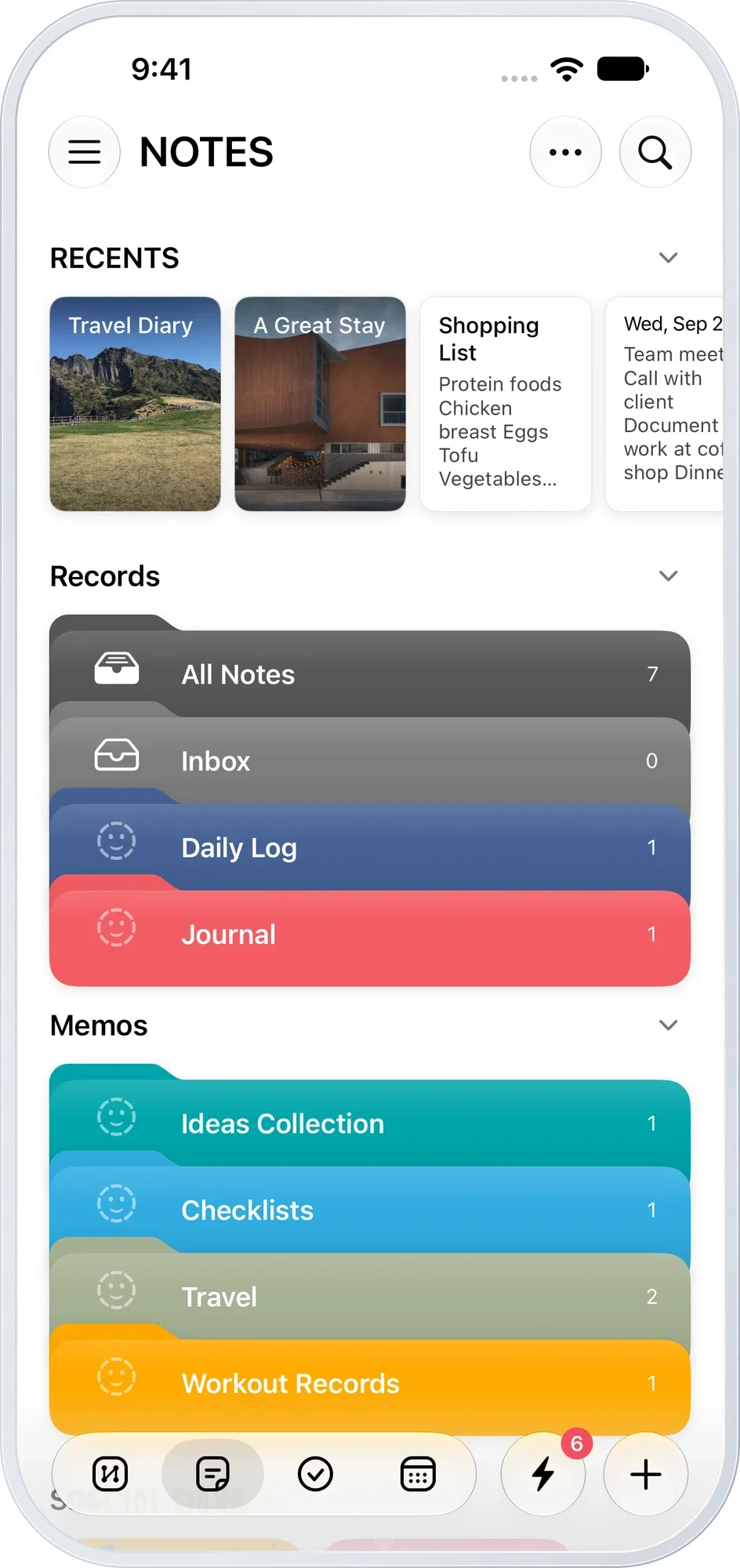
Keep familiar notes close. Recent notes and bookmarks on the home screen. Everything you've collected, organized in folders.
From today's plans to thoughts worth keeping.Bring your plans and memories together.
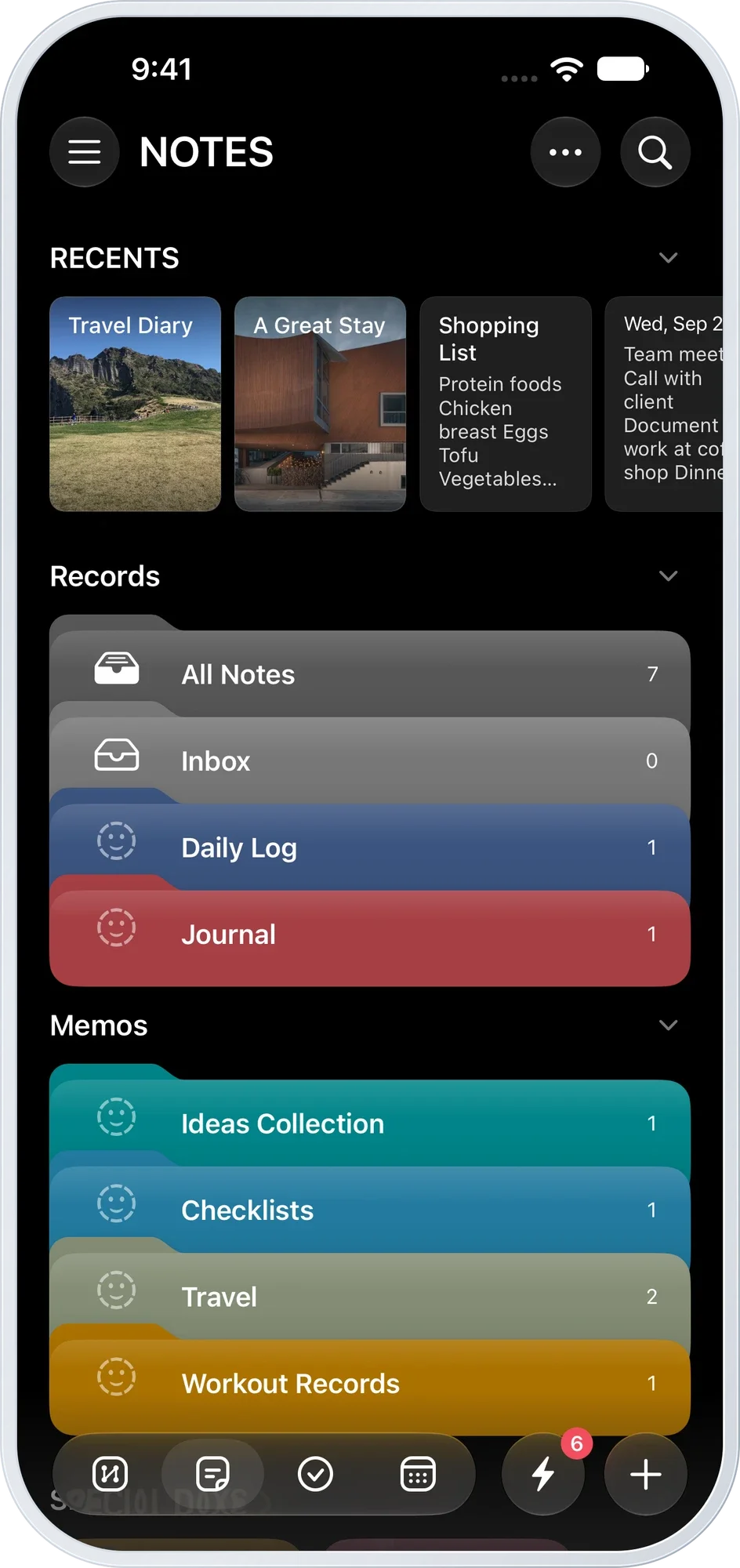
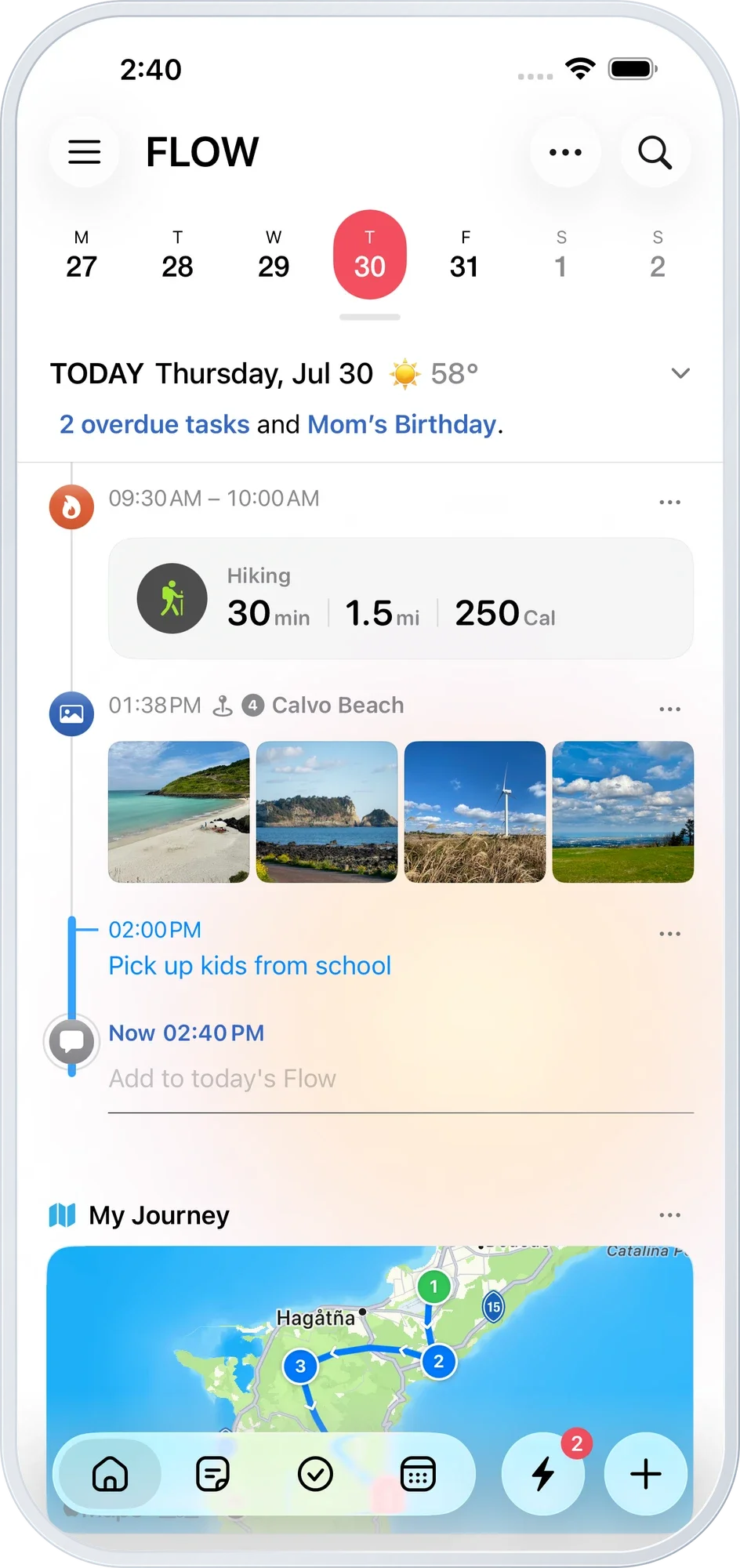
Photos you took, places you visited, exercise you did. Moments that were scattered come together in time order, making a day you can revisit.
Explore FlowPhotos, places, exercise and events gather automatically. Add a line of your own for the thoughts you want to keep.
Thursday, July 30
Sunny · 16°
Look back at your route on a map, and keep your journey as a video.
Your records stay on your iPhone and in your private iCloud.
Revisit your day on the larger screen of your iPad, too.
Keep familiar notes close. Recent notes and bookmarks on the home screen. Everything you've collected, organized in folders.
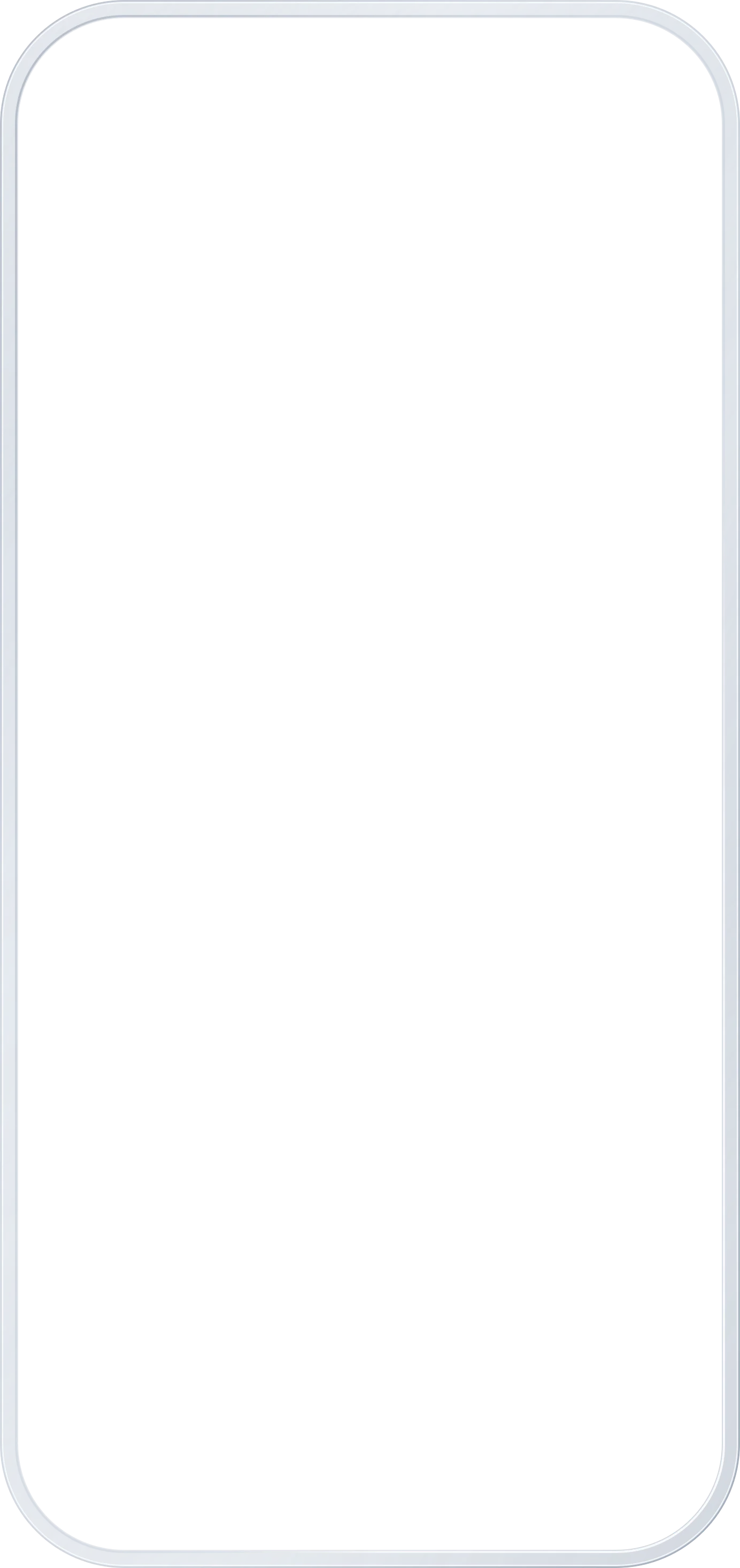
Add words to photos. Make them your story. Keep text, photos, checklists, voice recordings and locations together in a note.
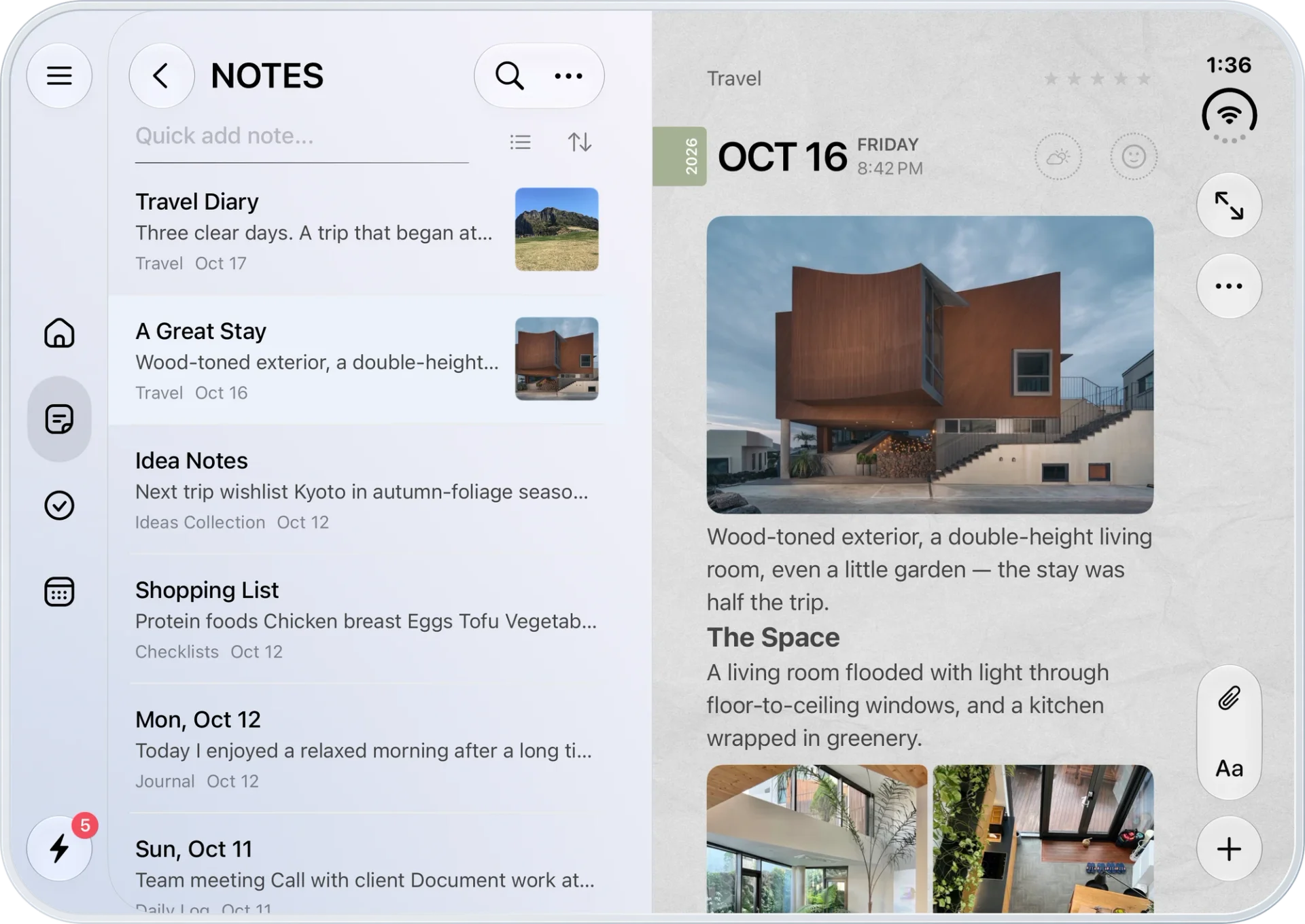
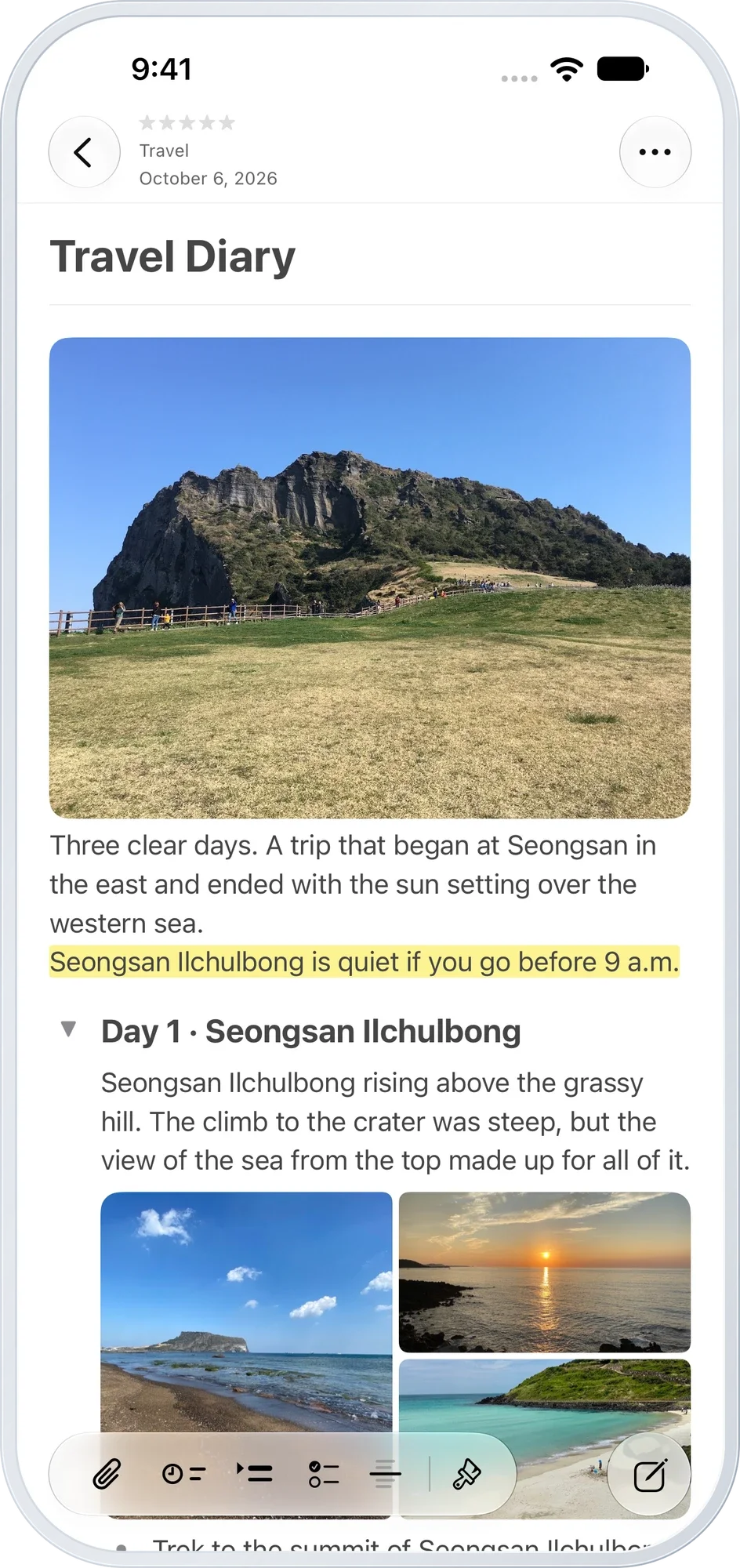
More room to see things side by side. Keep your note list and the note itself in view as you write.※ iPhone Duo screen

Long stories, easy to read. Organize content in collapsible groups and place several photos side by side.
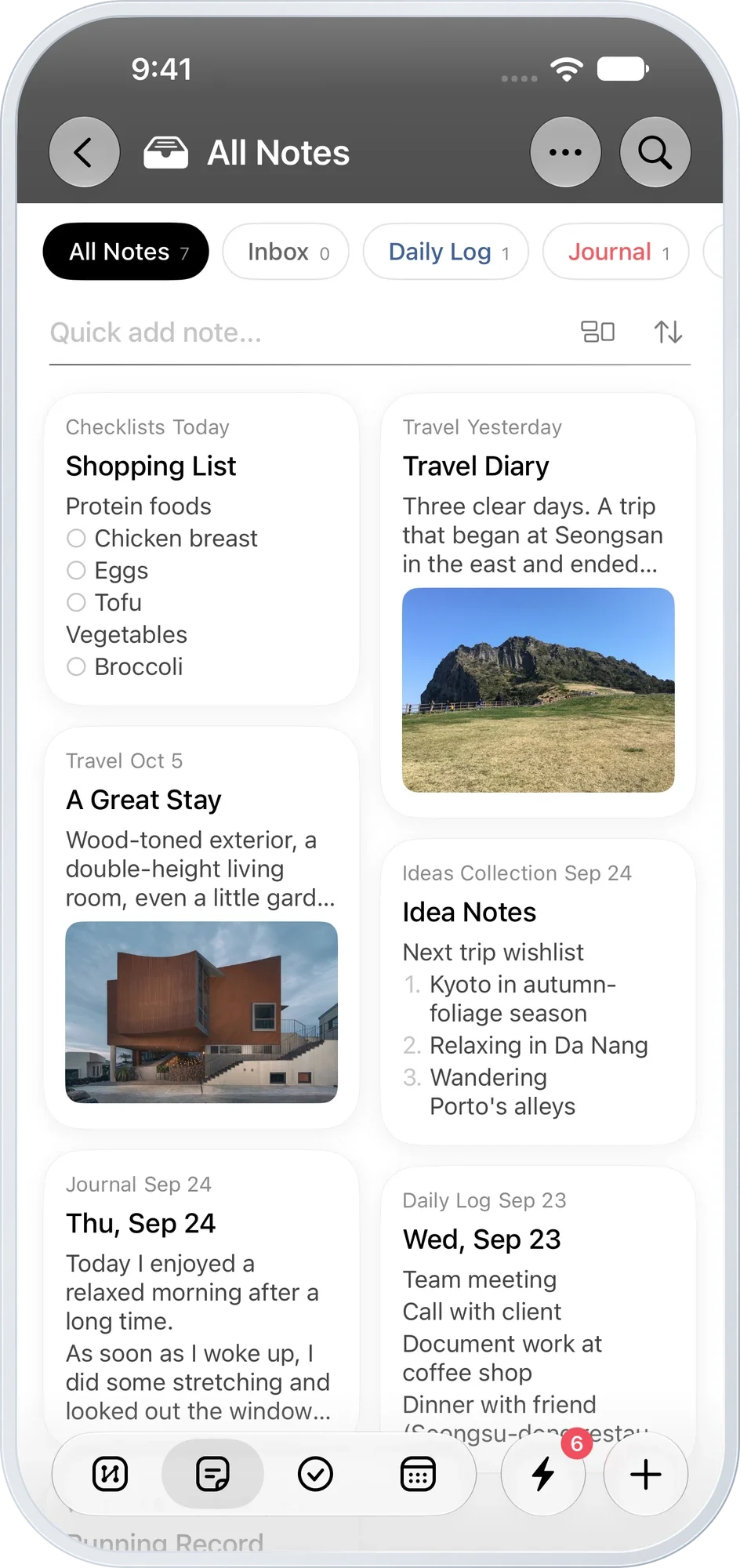
Some memories start with a photo. Use card view to find a note by its photo before you even read the title.
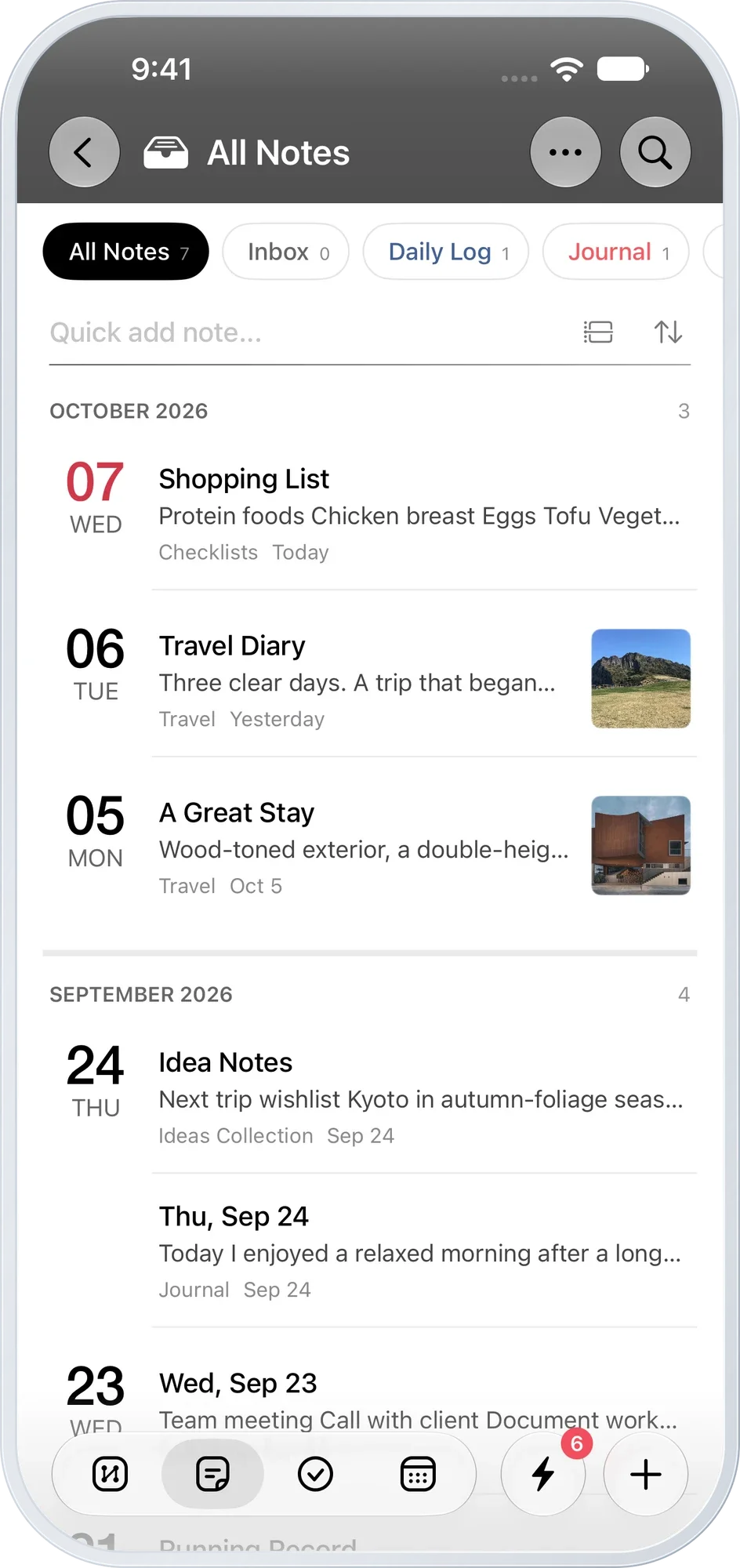
Follow the dates back. Browse your notes month by month in diary view.
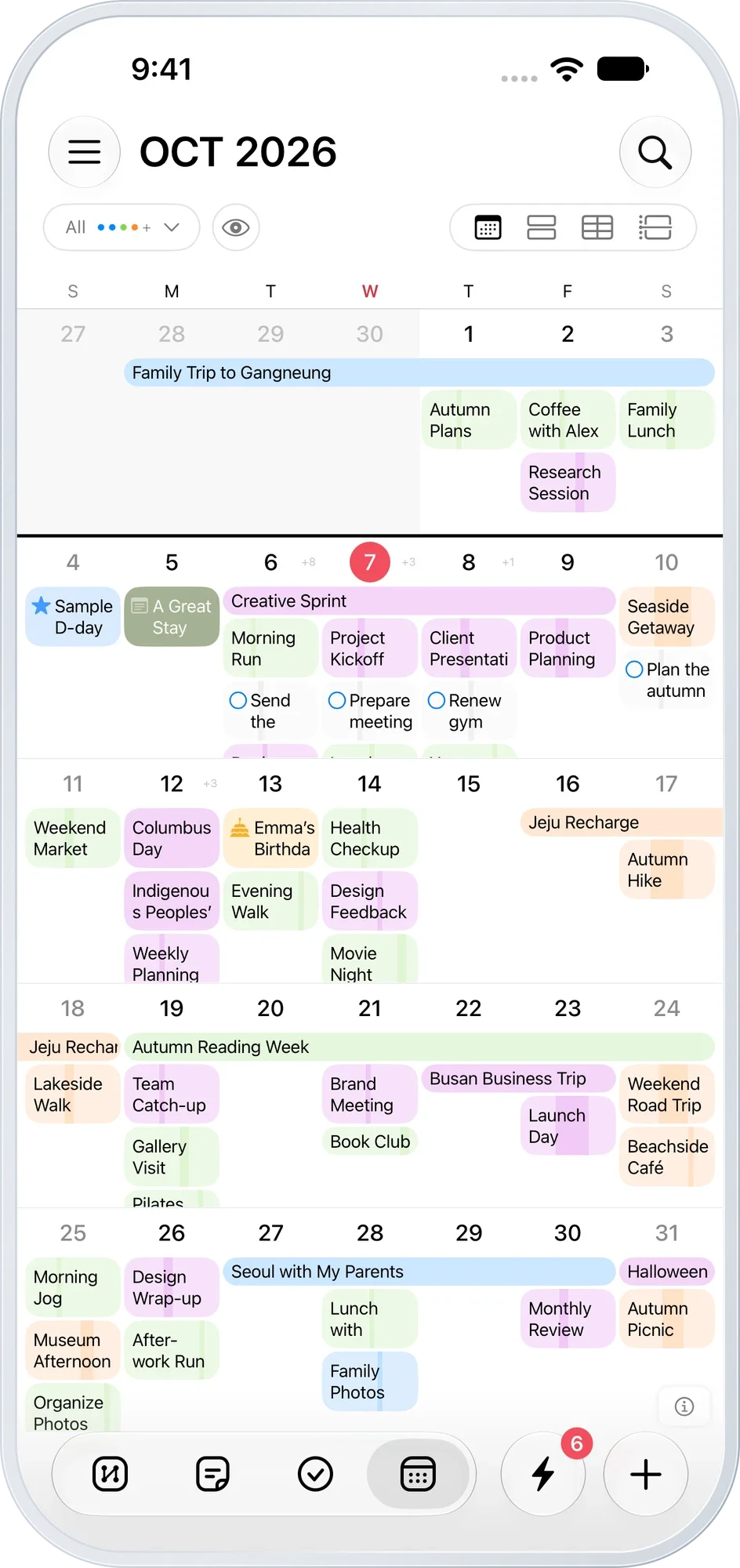
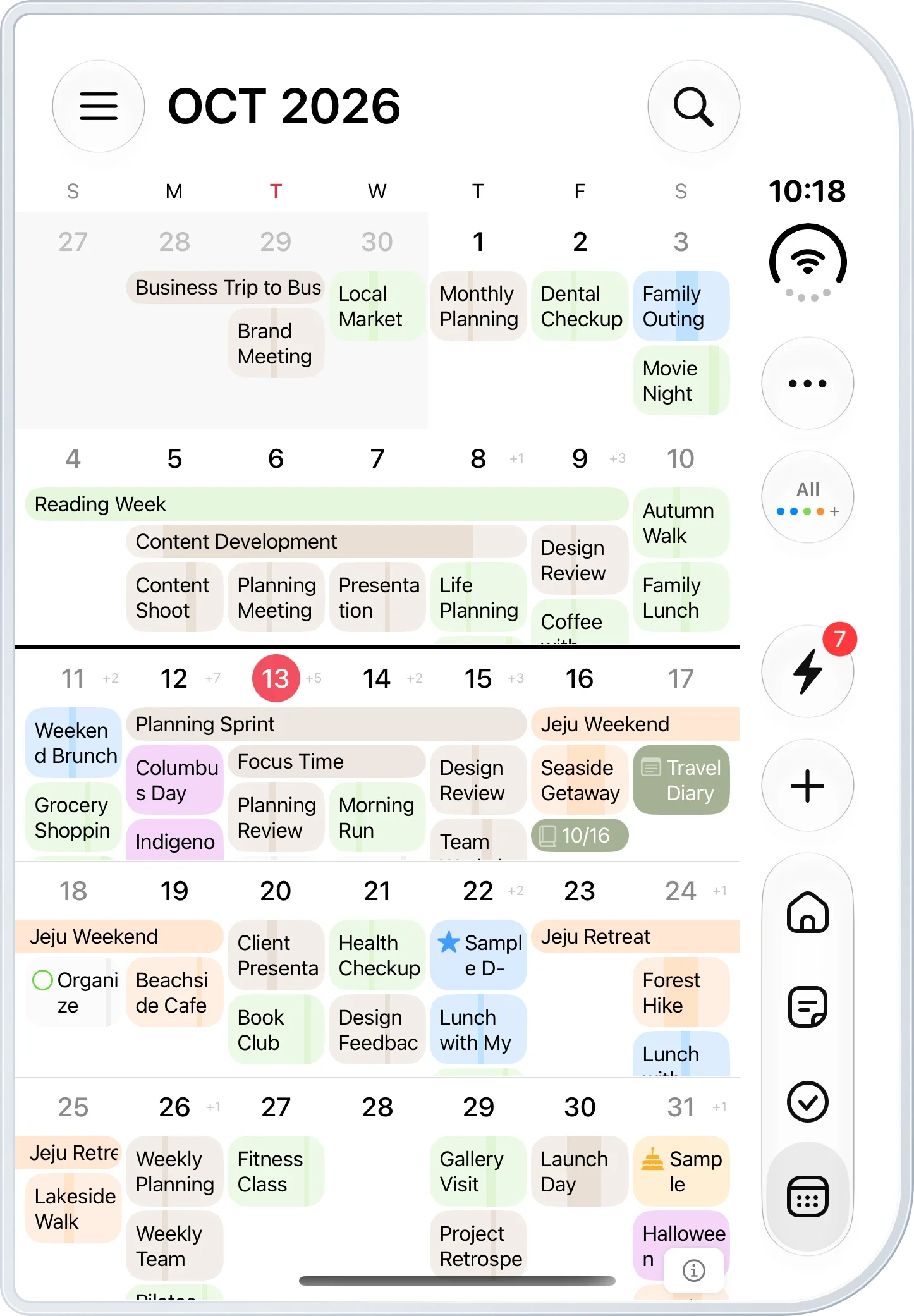
The big picture for this month. See events, tasks and dated notes together across the month.
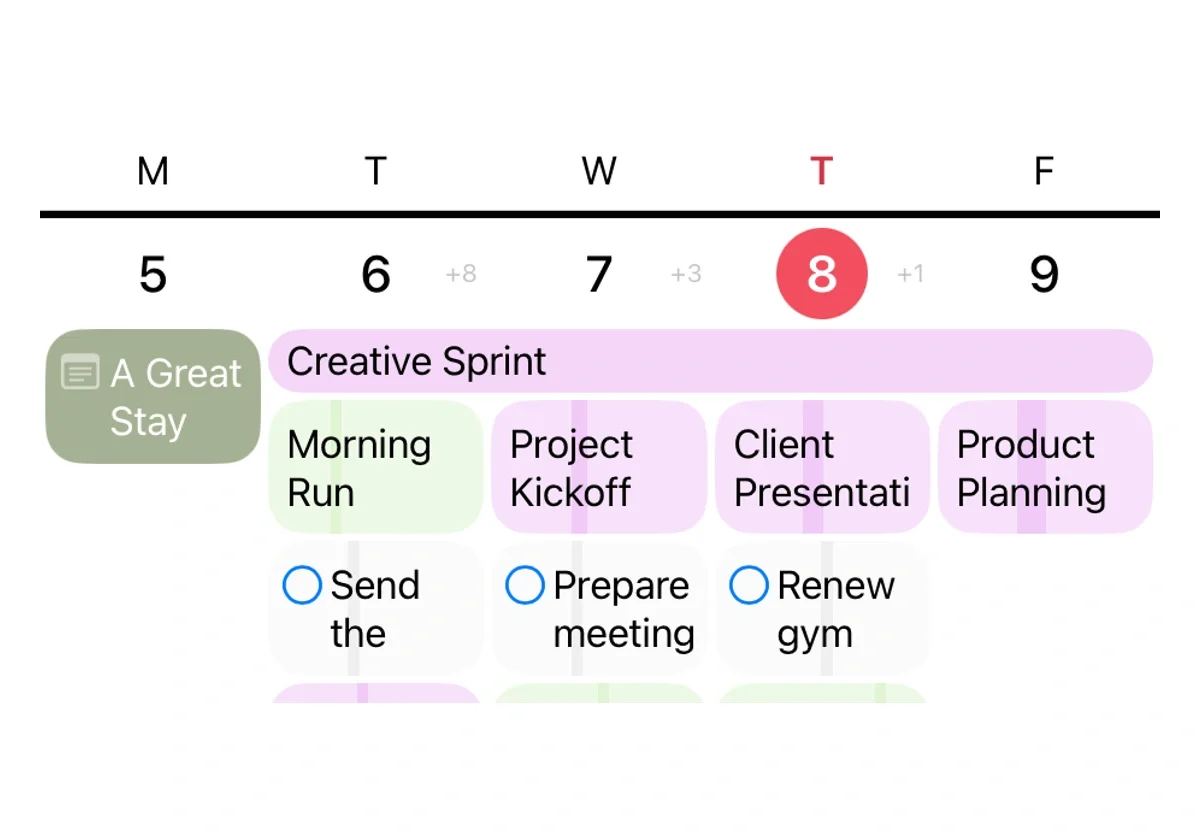
Open up your week. Expand a week in the monthly calendar to see events, tasks and notes grouped by day.
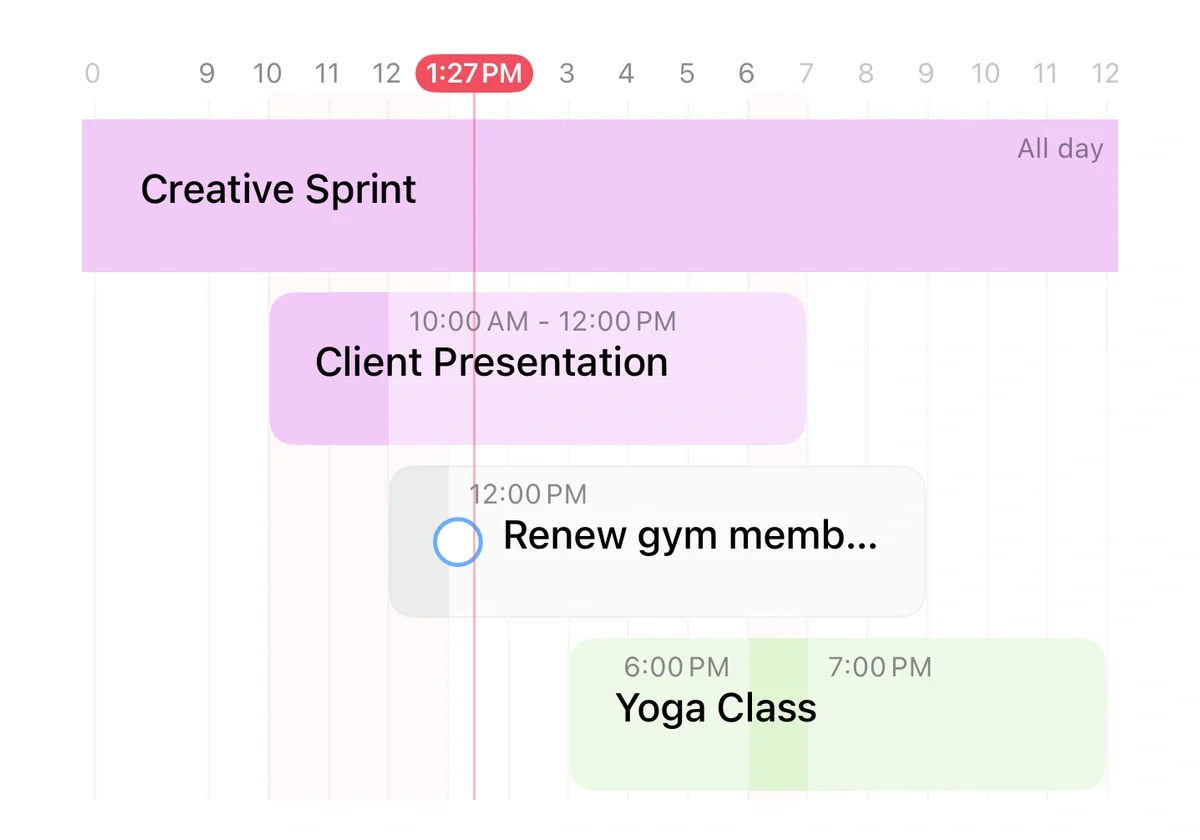
Today's order, at a glance. See the selected day's events and tasks in a timeline, including plans that last all day.
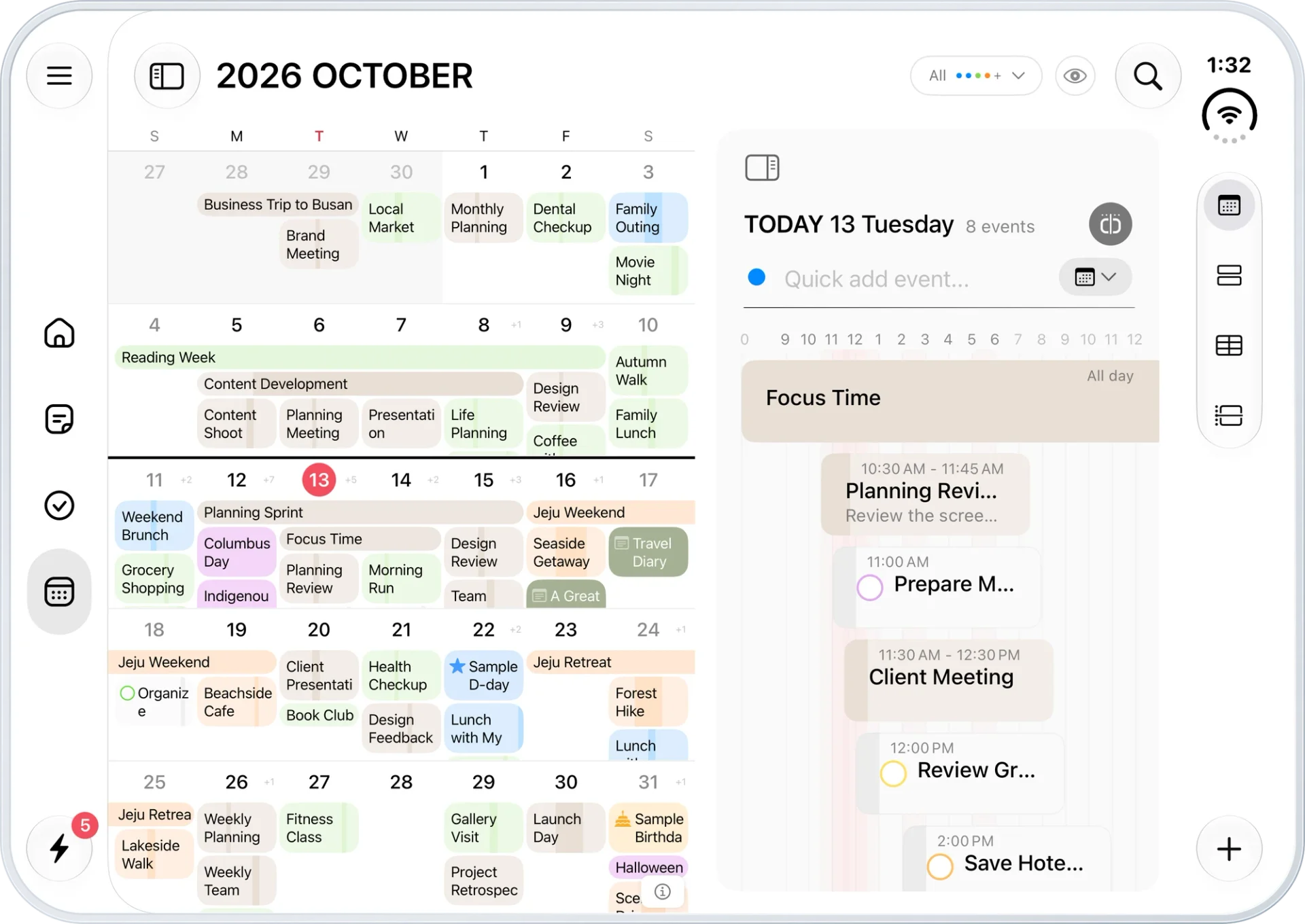
The month and the day, together. See your month's plans beside today's schedule on a wider screen.※ iPhone Duo screen
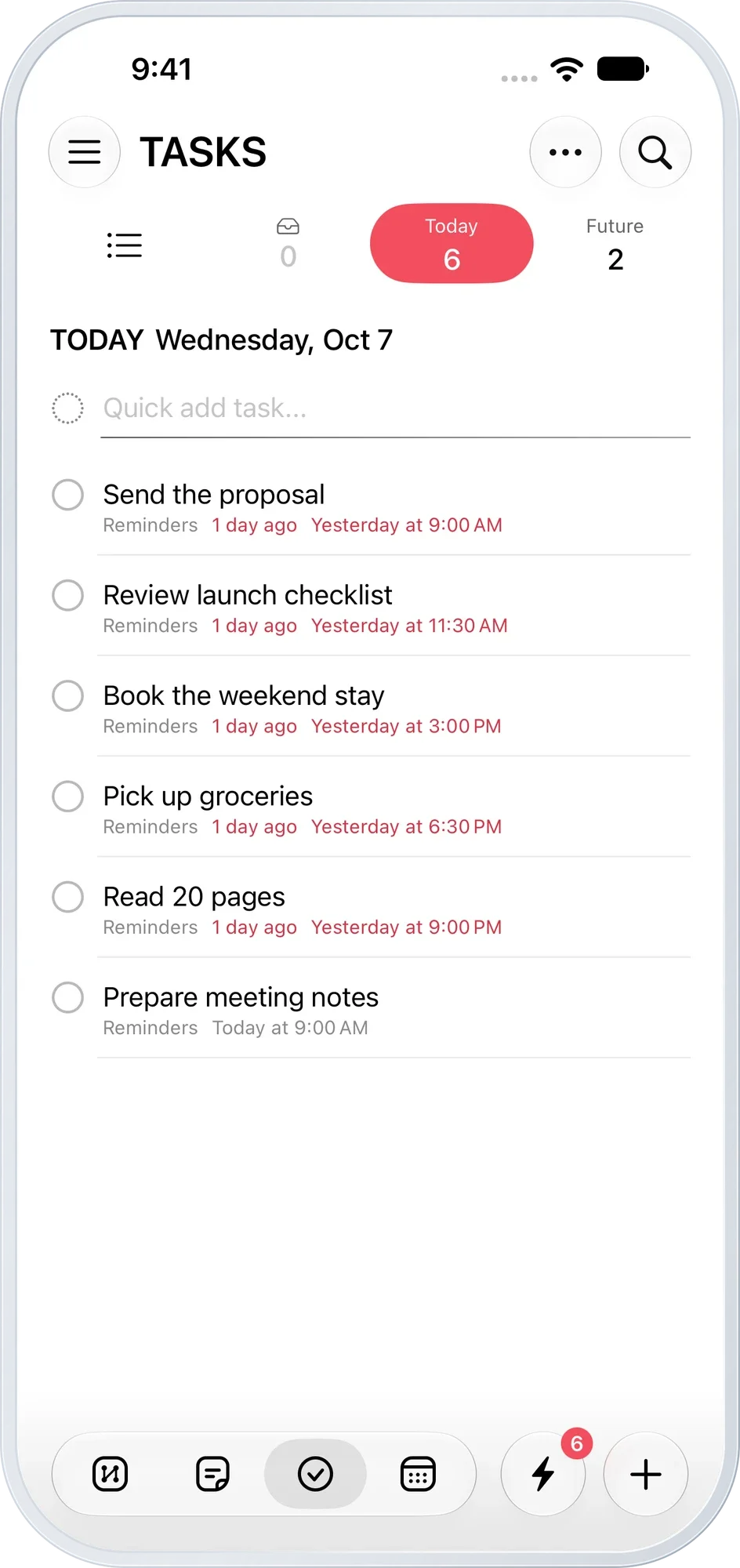
Just what needs doing today. See what you need to do and check things off, one by one.
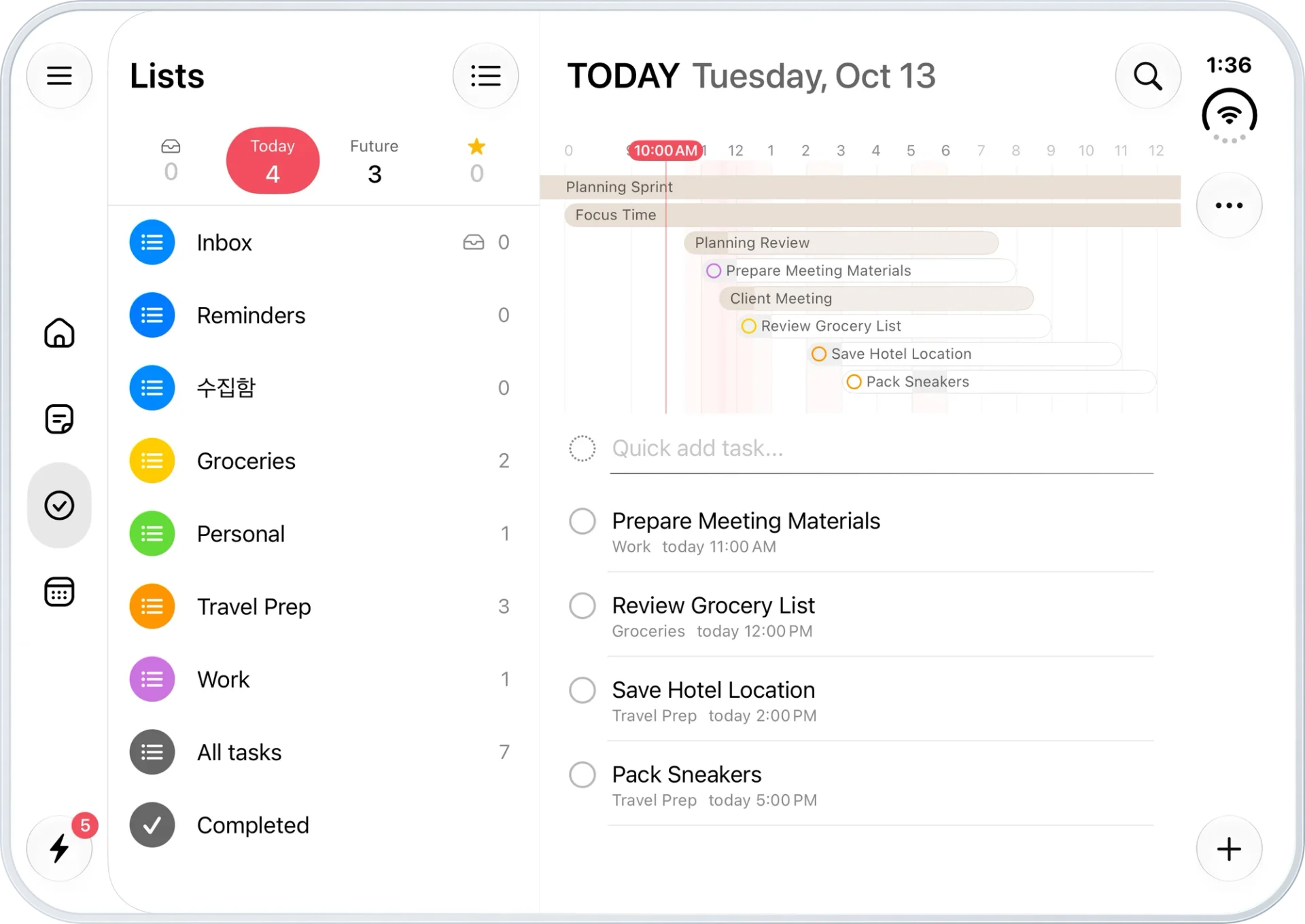
What to do. When to do it. Keep folders and today's tasks side by side. See where tasks fit between events on the time bar.※ iPhone Duo screen
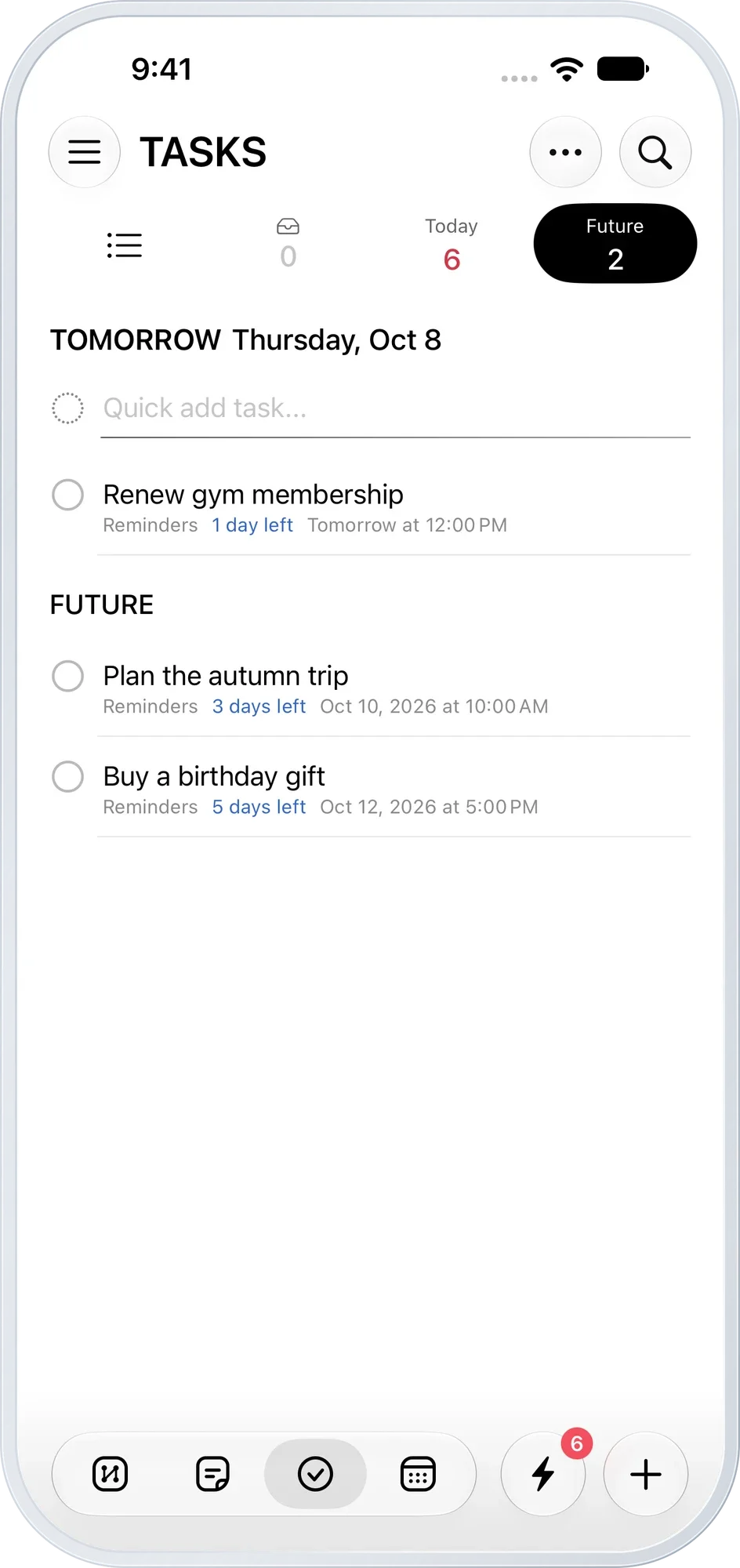
A head start on tomorrow. Browse upcoming tasks by date and see how much time remains.
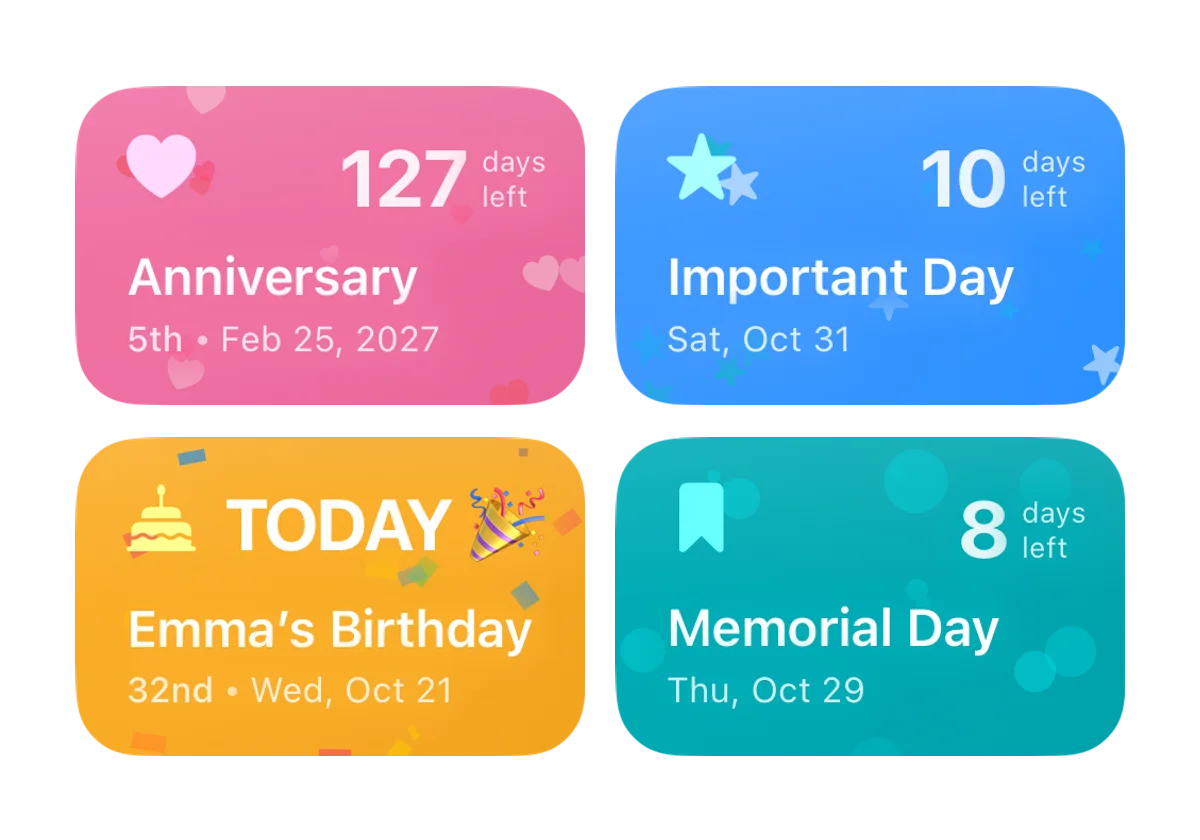
Important dates, all in one place. Birthdays, anniversaries and days of remembrance. See the countdown and set a reminder.
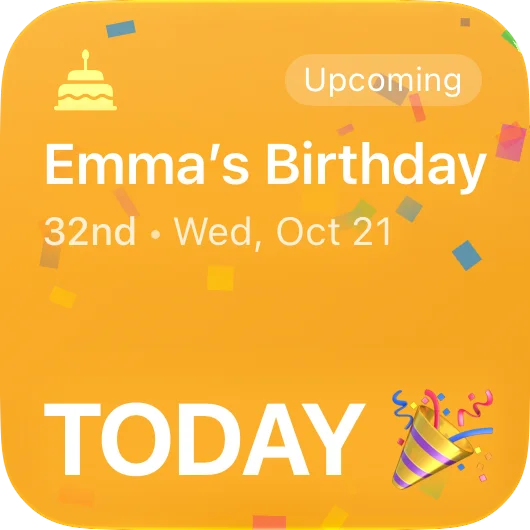
More than just a date. See the age on a birthday and the number of years on an anniversary.
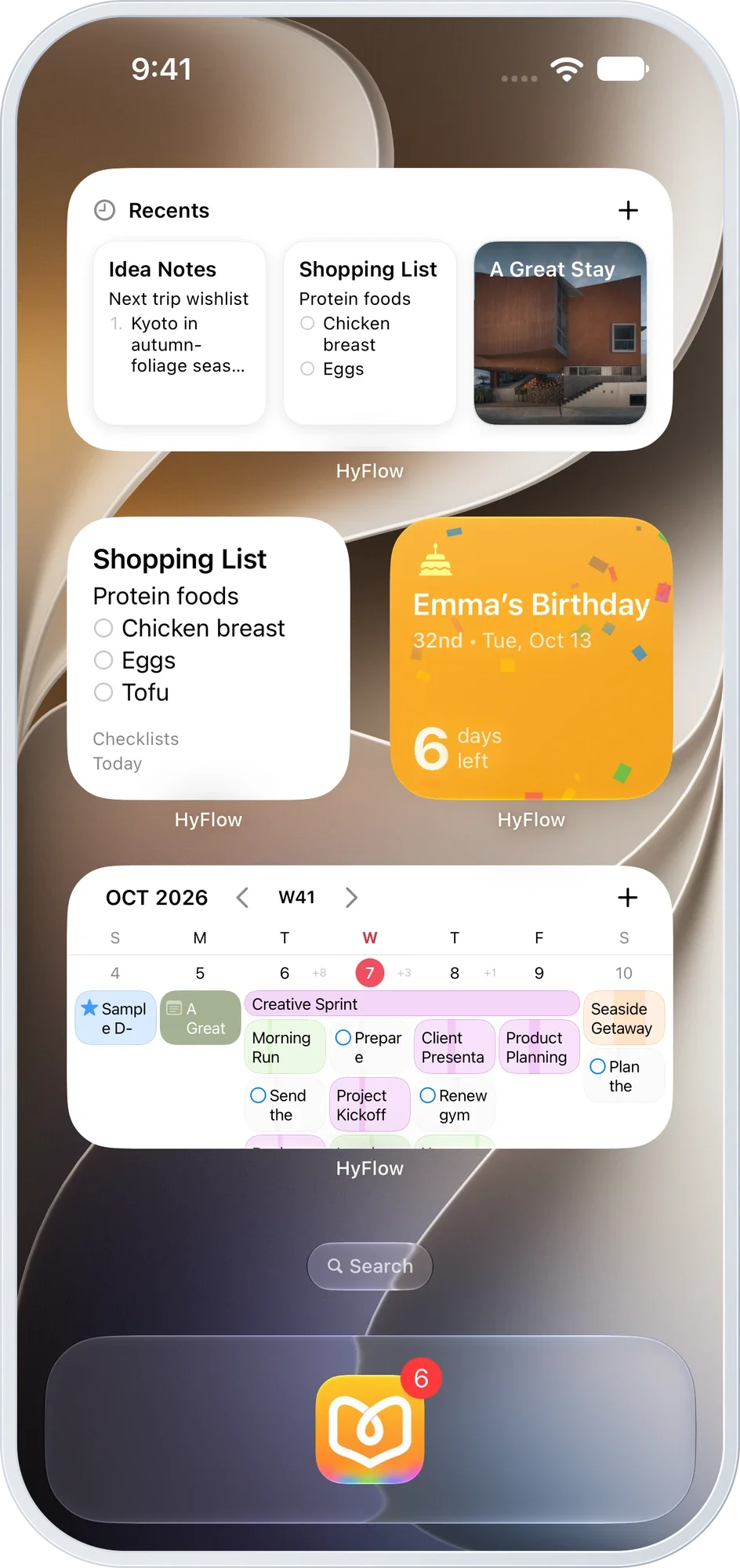
Keep your favorites in sight. Choose events, notes and special dates to fit your Home Screen.
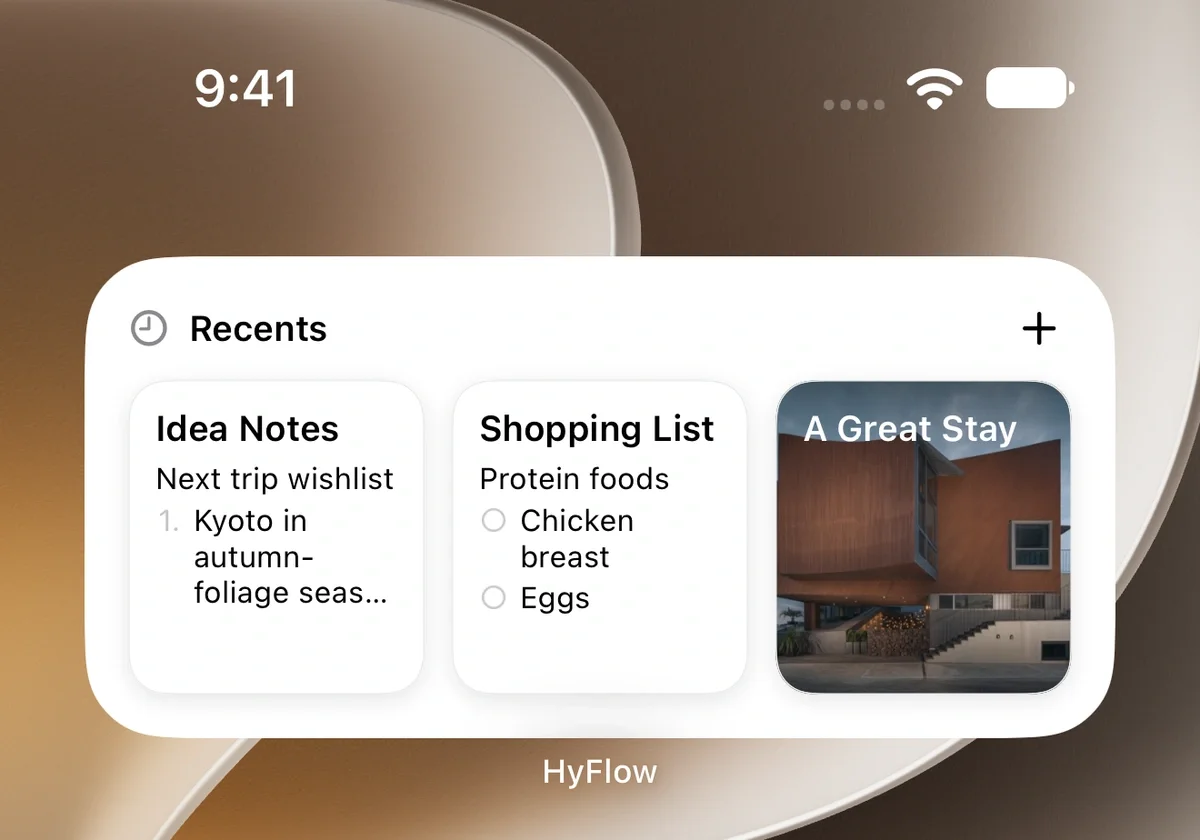
Back to your note in a tap. Open an idea, a shopping list or a photo-filled note right away.
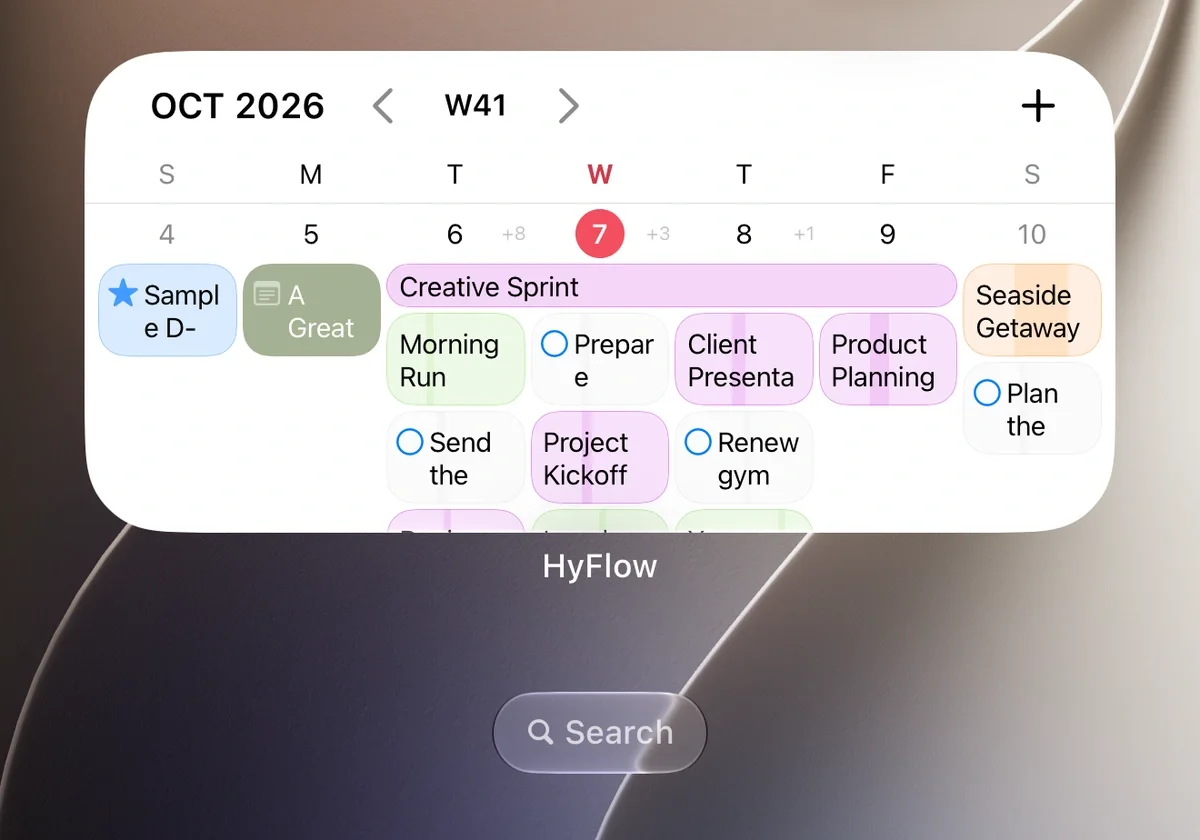
Your week at a glance. See a week of events and notes before you even open the app.
And there's more
Keep them for years, lock them safely, pick up on another device. Thoughtful tools for a growing collection of memories.
Your notes and Flow records stay on your devices and in your private iCloud by design. Focus on your day, with no sign-up, analytics or tracking.
Privacy at HyFlowSync notes and folders with iCloud, and check their progress in the sync status.
Learn about syncingLock personal records such as journals by folder. Open them with Face ID or your device passcode.
How to lock foldersExport your records as a single backup file to keep, and import them again when you need to.
Backup and restoreChoose fonts for each note and folder. Light and dark appearances are both supported.
Explore note stylesSee notes remaining in Trash, restore the ones you need and decide when to empty it.
Learn about TrashAwesome Note → HyFlow
Import your Awesome Note backup as it is.Bring your folders, text formatting, photos, sketches and voice memos along.
How to move from Awesome Note →From today's plans to tomorrow's memories.